
All your subscriptions in one place.
Track renewals, monitor spending, and get reminders before charges hit. Simple, beautiful, and efficient.
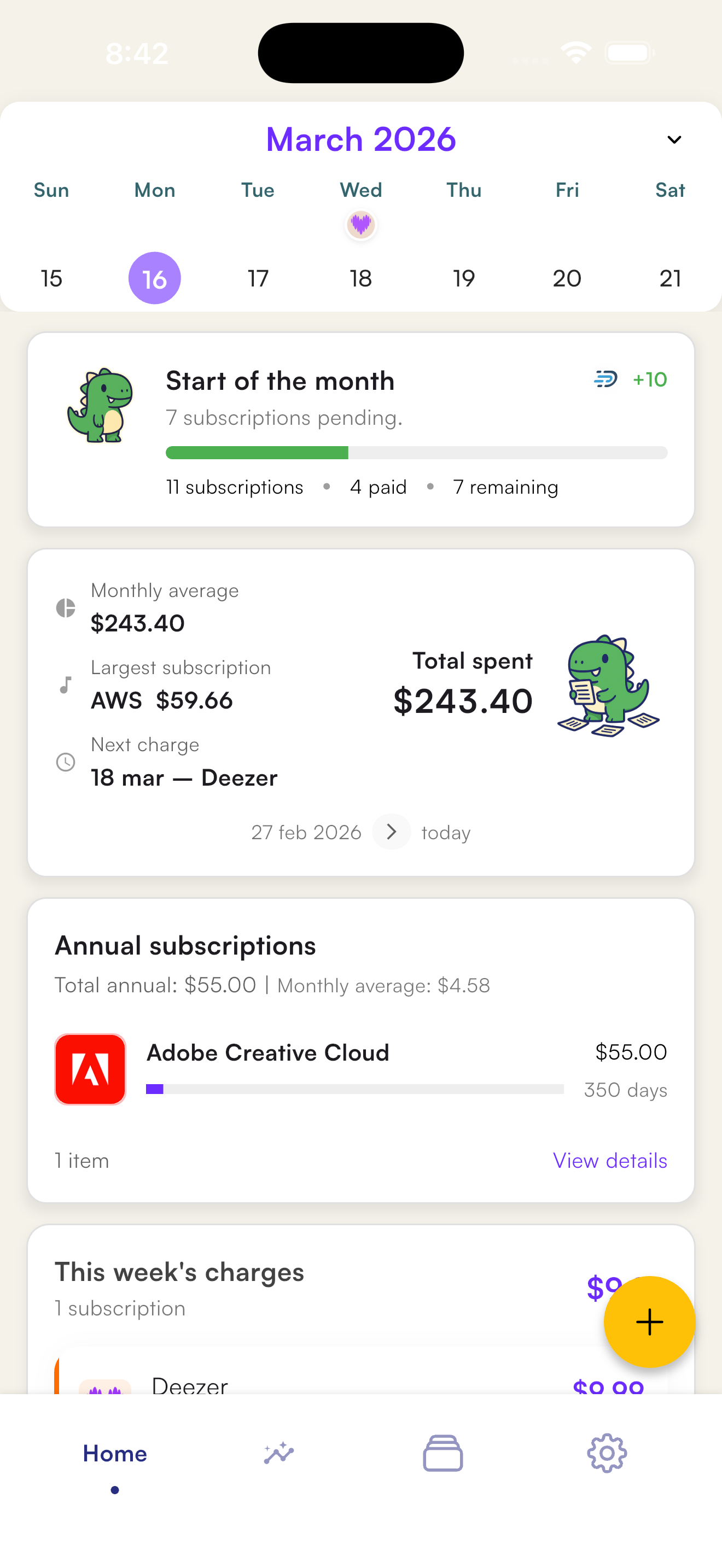
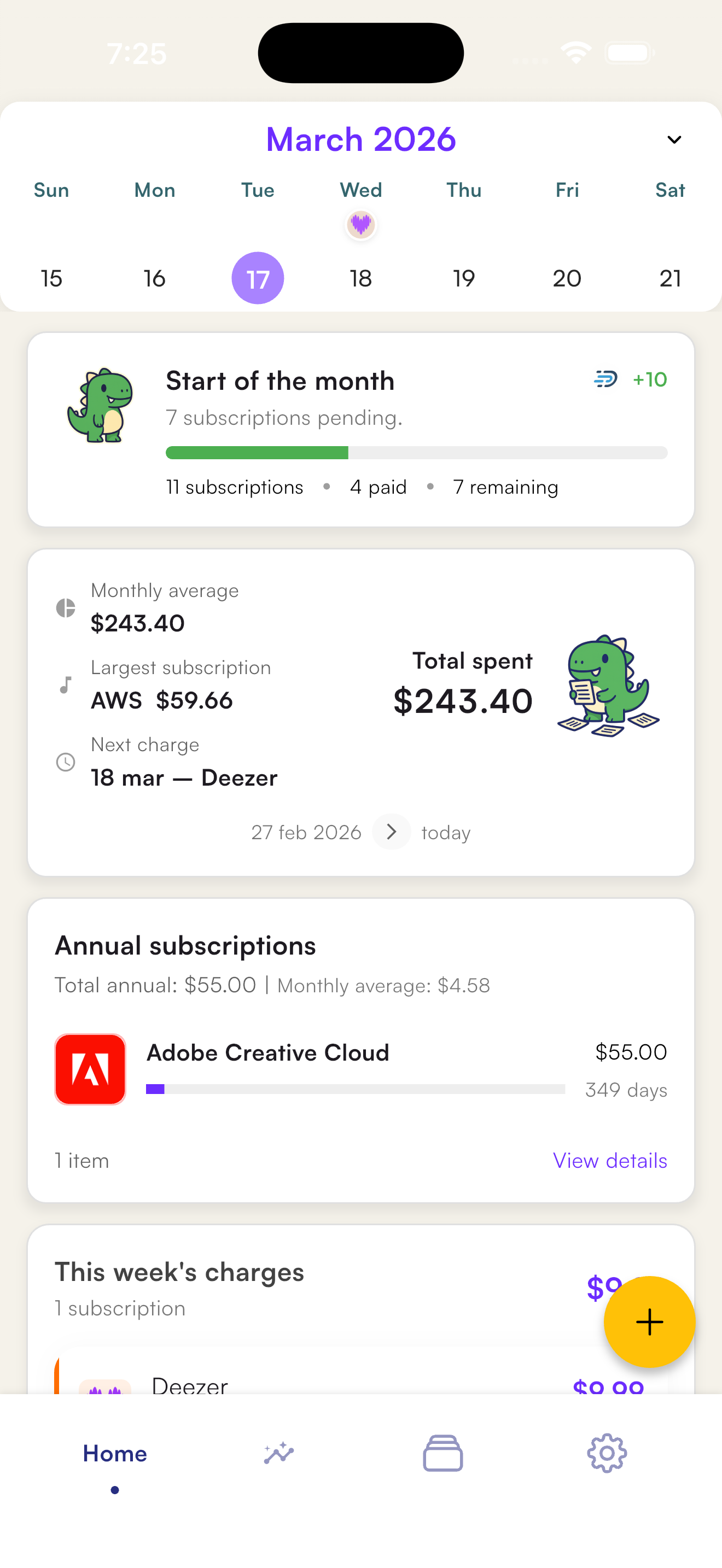
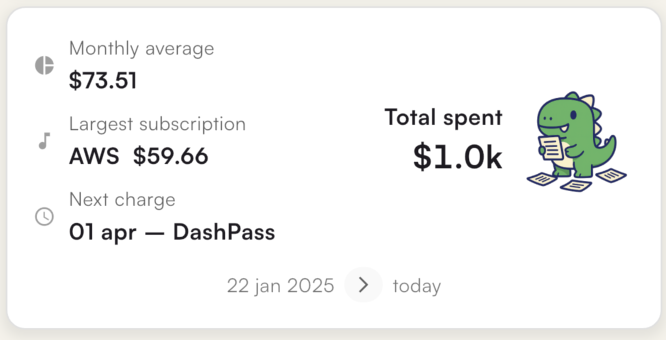
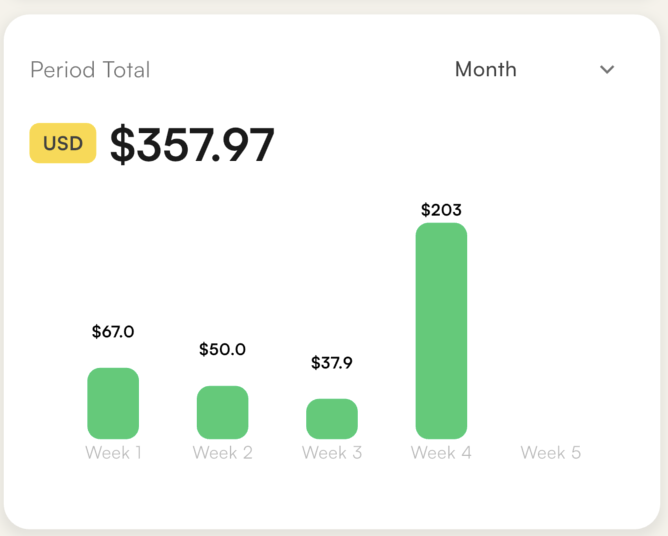
Track your spending
Everything you need
Netflix, Spotify, ChatGPT, and hundreds of other pre-loaded services.
Smart notifications
Reminders before renewals so you're never caught off guard.
Trial tracking
Track trial periods and know when charges begin.
Price history
Track price changes over time.
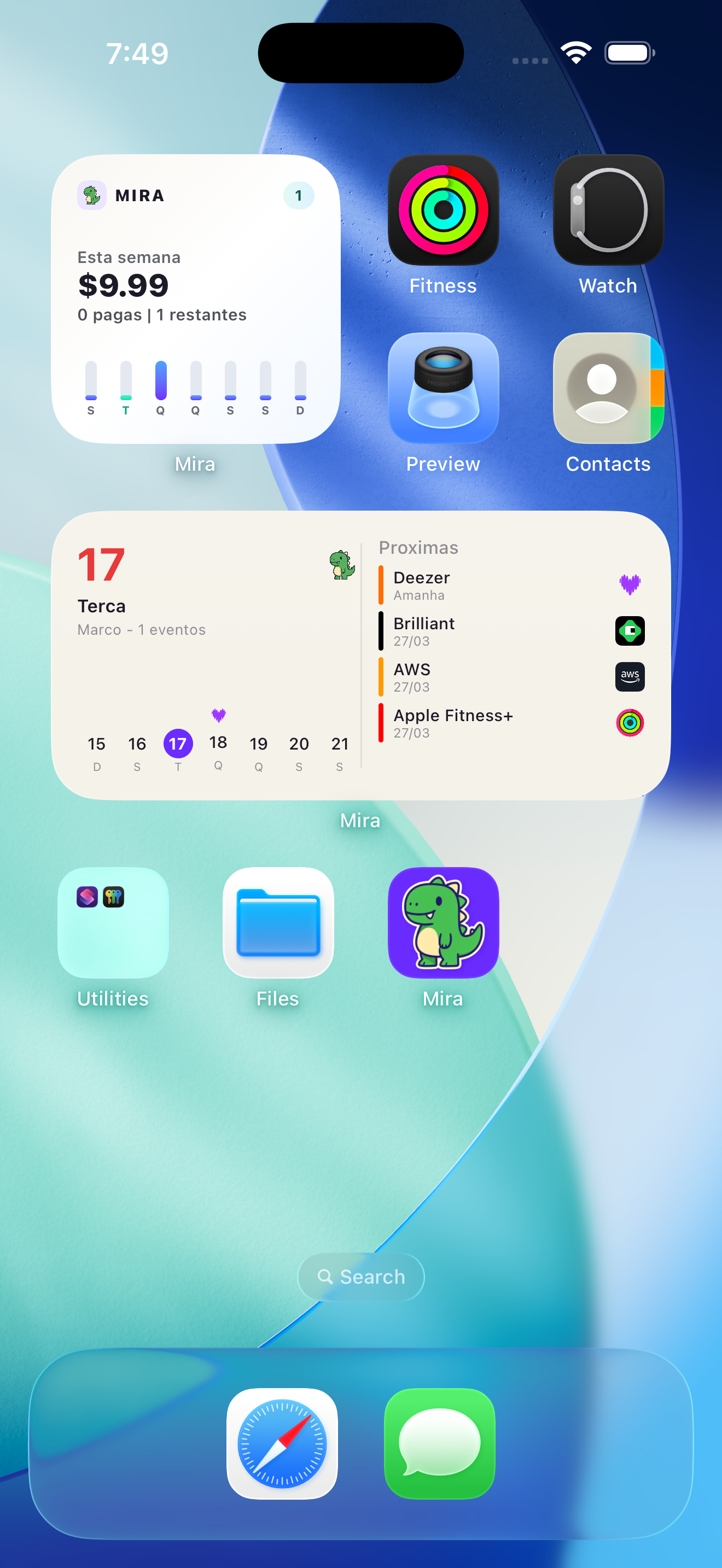
Home screen widget
Quick access to info right from your home screen.
Shared subscriptions
Split costs and see how much each person pays.
Cloud sync
Your data safe and synced across devices.
Works offline
Access your data even without an internet connection.
See Mira in action
Every detail was designed to give you full control over your subscription spending.
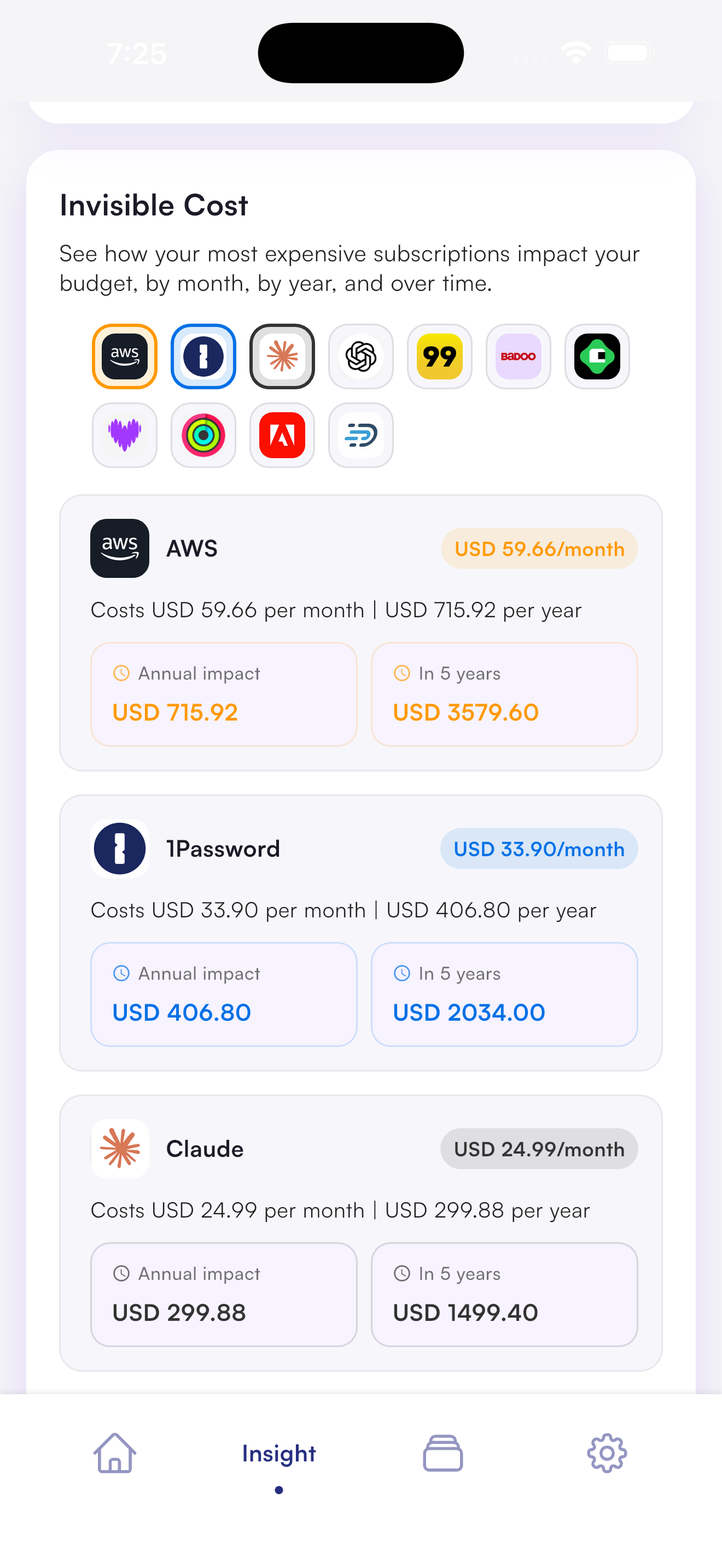
Discover the invisible cost
See the real impact of your subscriptions on your budget — monthly, yearly, and over 5 years. You might be surprised.
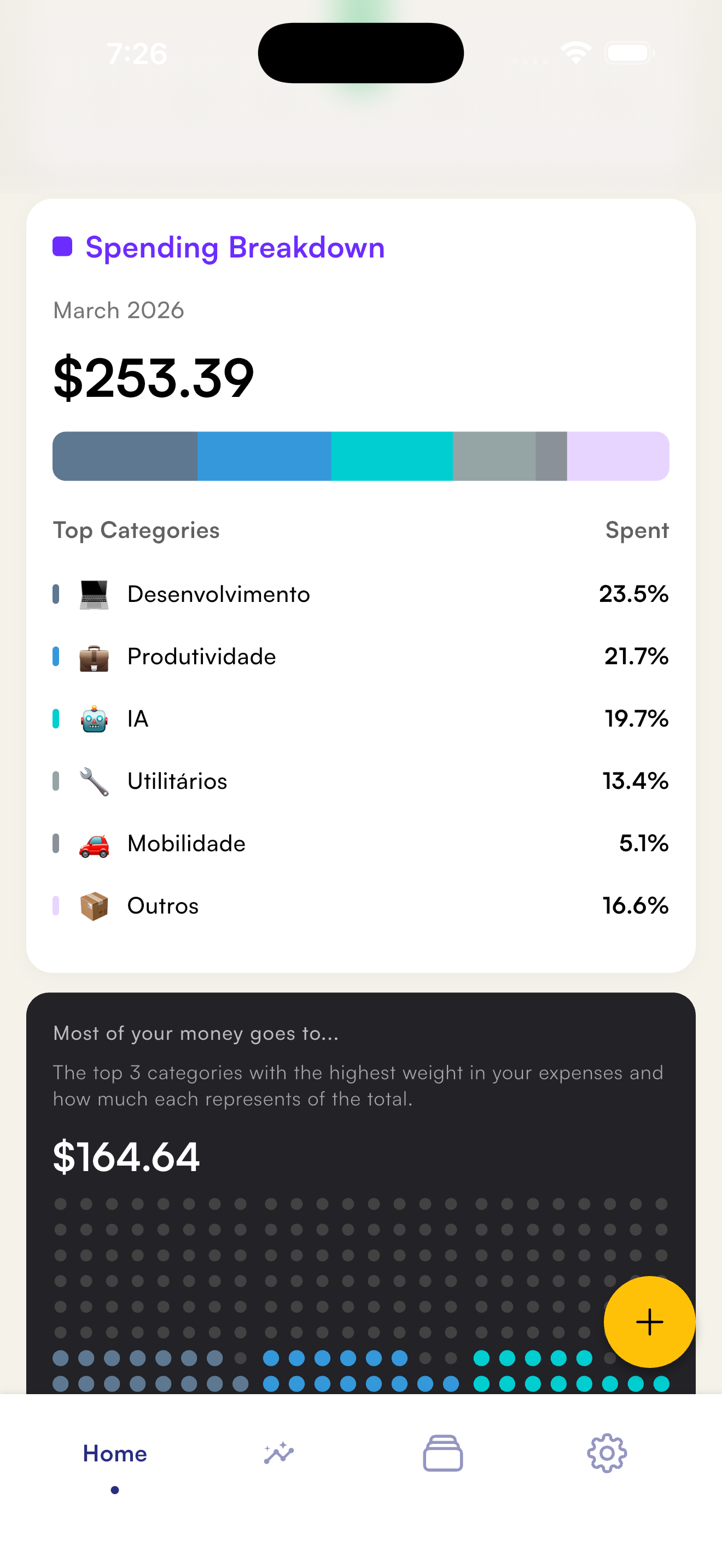
Understand where your money goes
Visualize your spending by category with a detailed breakdown. Know exactly how much you spend on development, productivity, AI, and more.
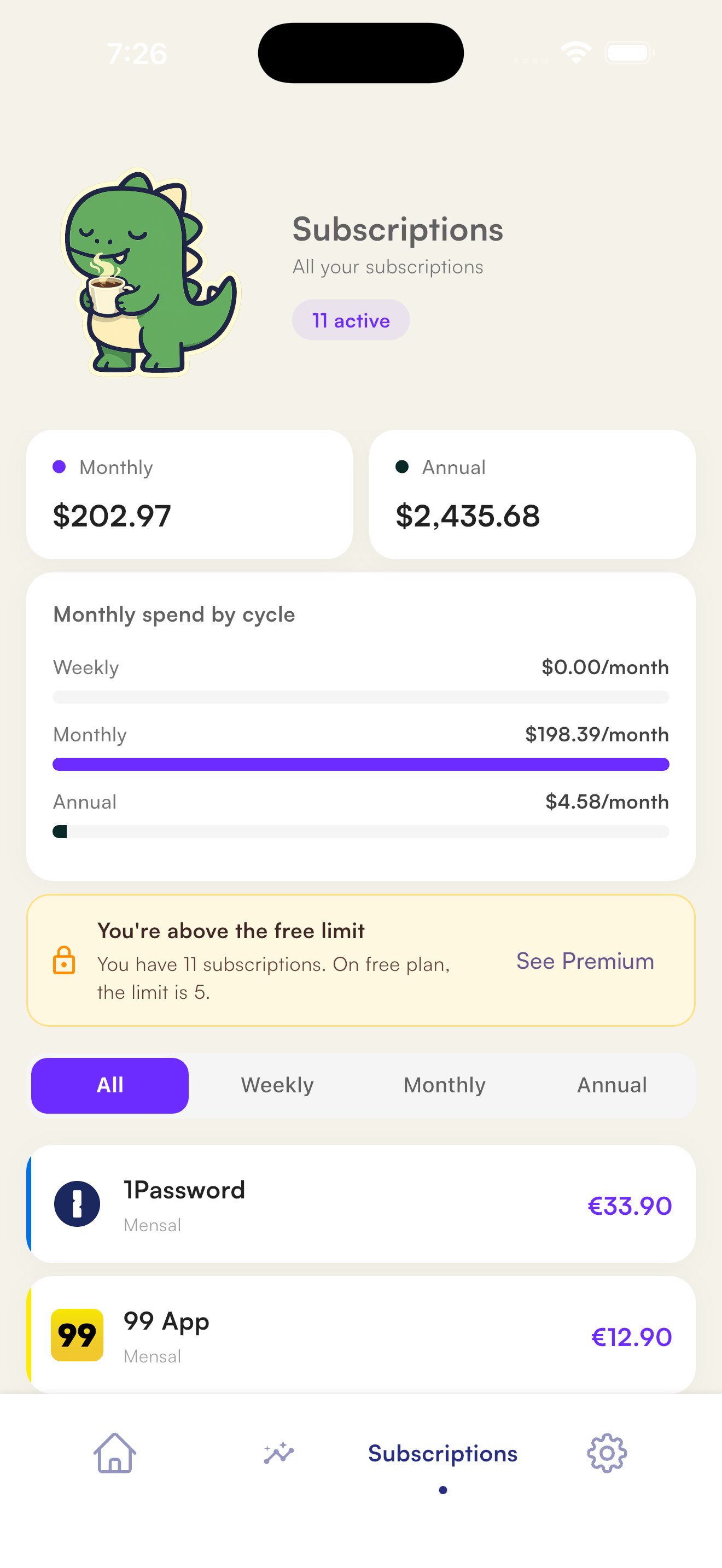
All your subscriptions organized
See monthly, annual, and weekly in one place. Track totals by billing cycle and have clarity on every cent.
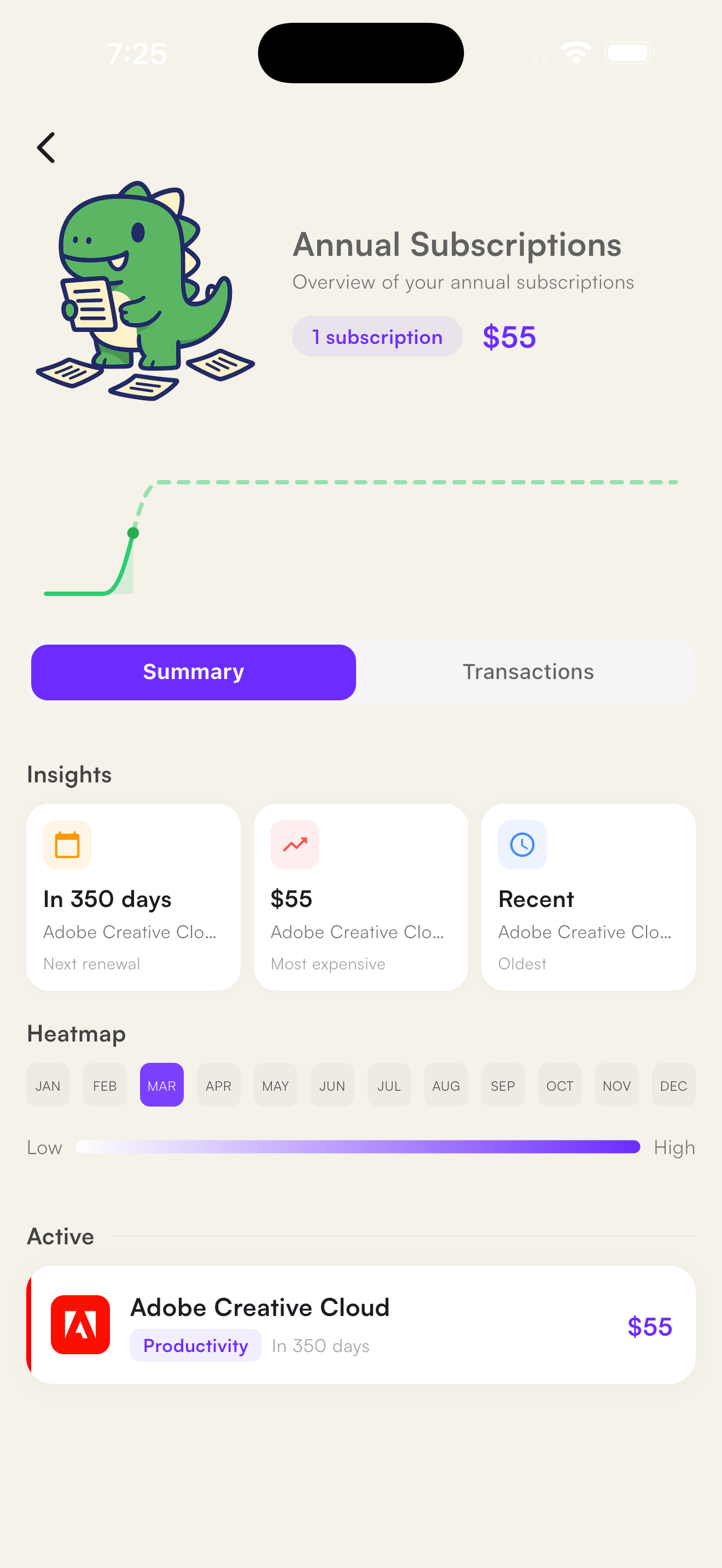
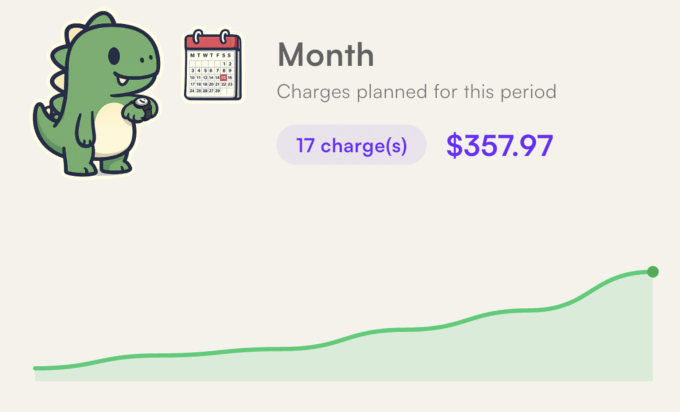
Complete overview by period
Track your annual subscriptions with insights, activity heatmap, and upcoming renewals. All in one screen.
Always at hand, wherever you need
Native widgets for iOS and Android — on your home screen and lock screen.
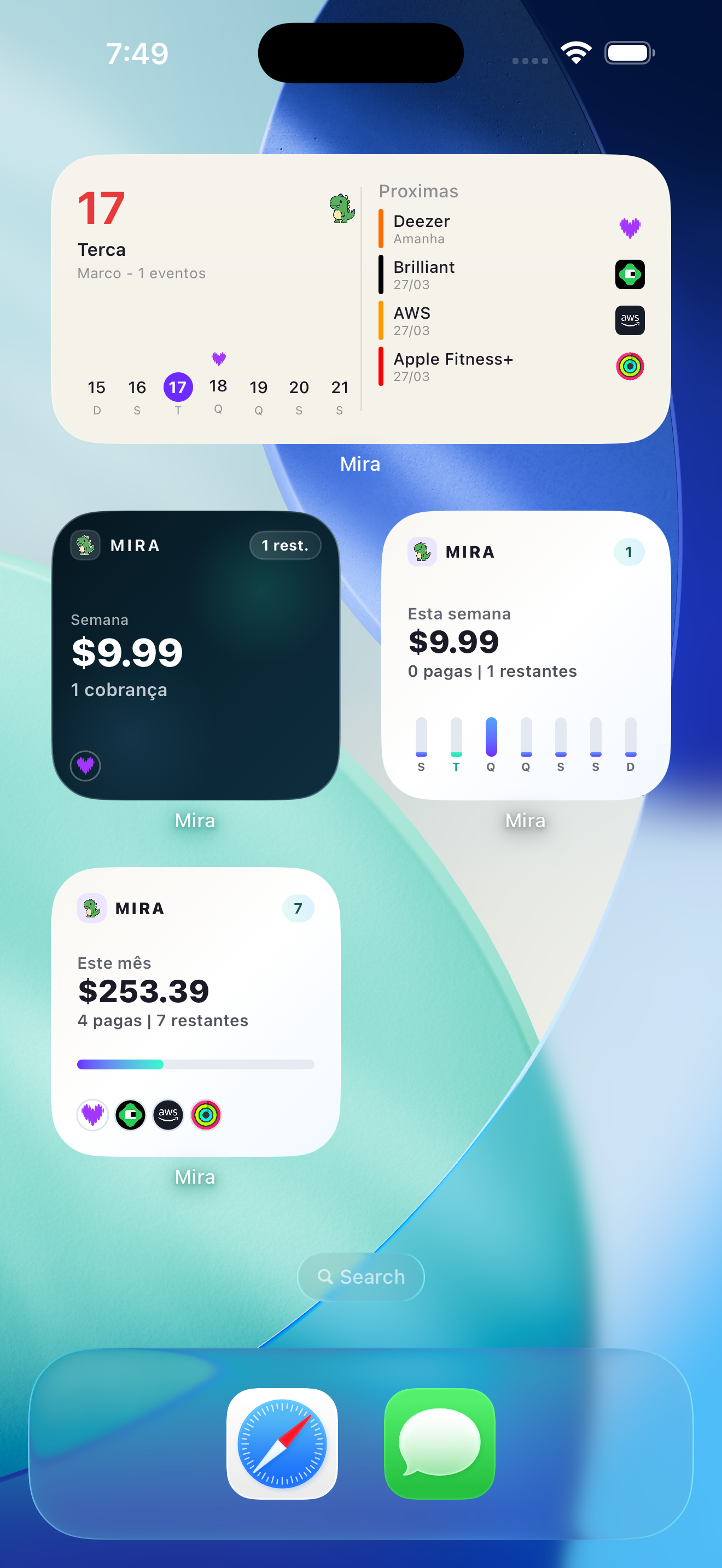
Home Screen
See your weekly spending, upcoming charges, and a monthly summary right from your home screen. Available in multiple sizes.
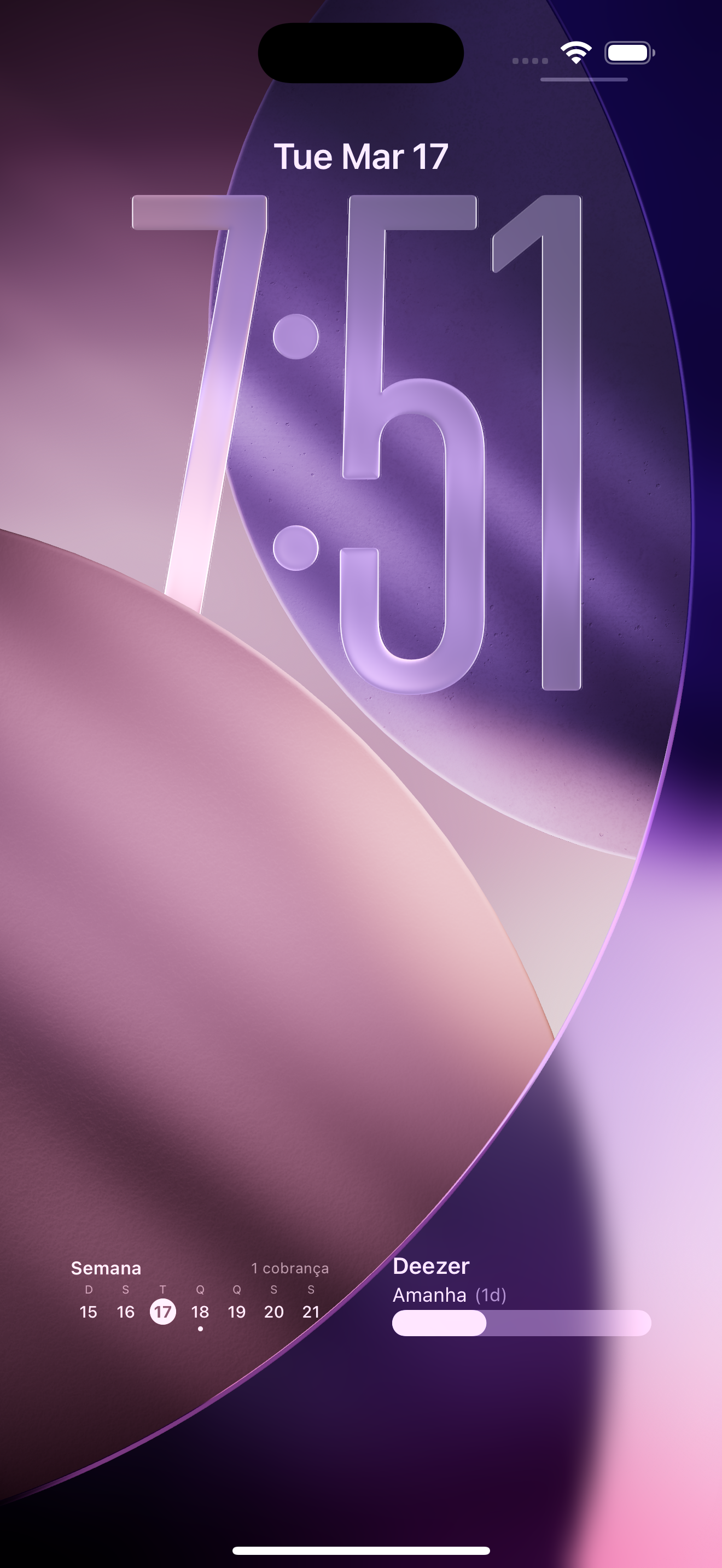
Lock Screen
Track your next charge and weekly total even when your phone is locked.